
 Back to Product Updates
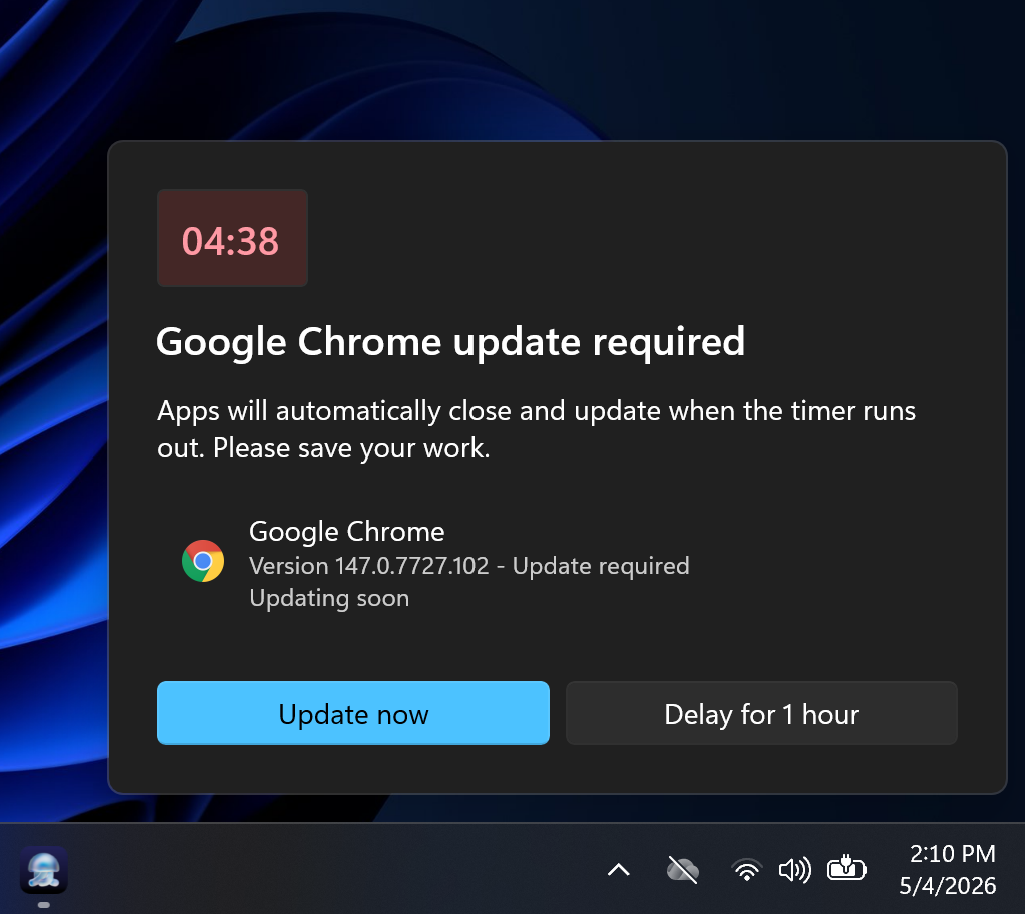
When the enforcement deadline for a Windows Custom App or Auto App arrives and a blocking process is still running, users now see a 5-minute countdown dialog. The dialog names the app, gives users time to save their work, and offers two options: Update now, which closes the app immediately and runs the install, or Delay for 1 hour, which defers the countdown and lets the agent retry in the background every 15 minutes.
If the blocking process is still running after 1 hour, the countdown appears again. Users can delay for up to 24 hours. Once that allowance is exhausted, the countdown appears one final time with no option to delay. The user can select Update now or let the countdown expire which closes the app and installs the app.
The countdown activates automatically when an enforcement deadline is set on a Windows Custom App or Auto App Library Items and that deadline is reached with a blocking process still running.