
 Back to Product Updates
Iru MCP is a Model Context Protocol integration that exposes the Iru Endpoint Management API as MCP tools for assistants such as Claude, Cursor, and other MCP-enabled clients.
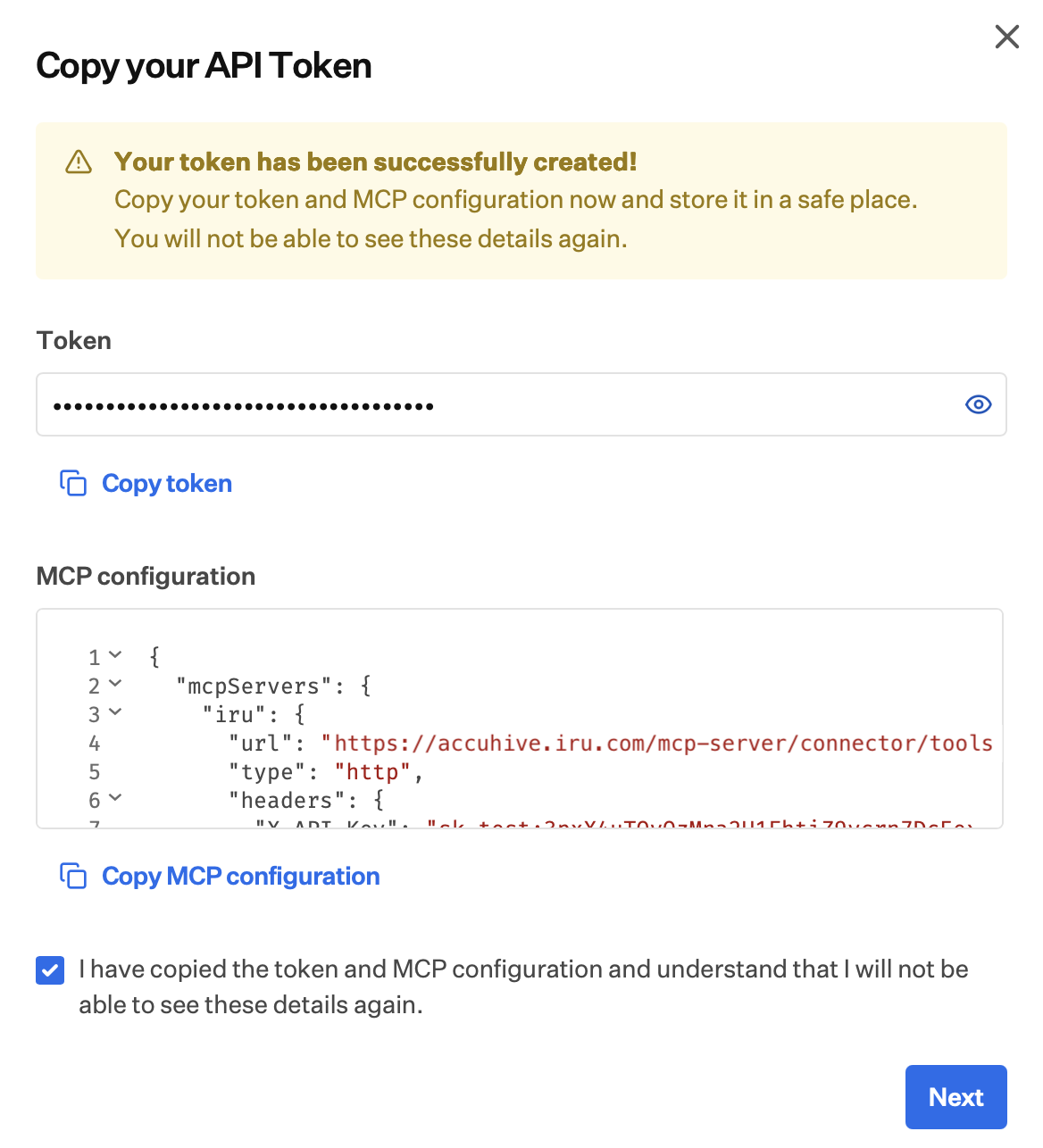
Create an API key and enable MCP for the API key in Iru. After setup, Iru displays the token once together with a ready-to-paste MCP configuration for HTTP transport: MCP server URL, connection type, and the API key header to add in the client. Copy the token and configuration immediately and store them in a secure location; the same values cannot be viewed again from that screen. Configure API permissions on the token so the MCP connection can access only the endpoints required for the workflow.
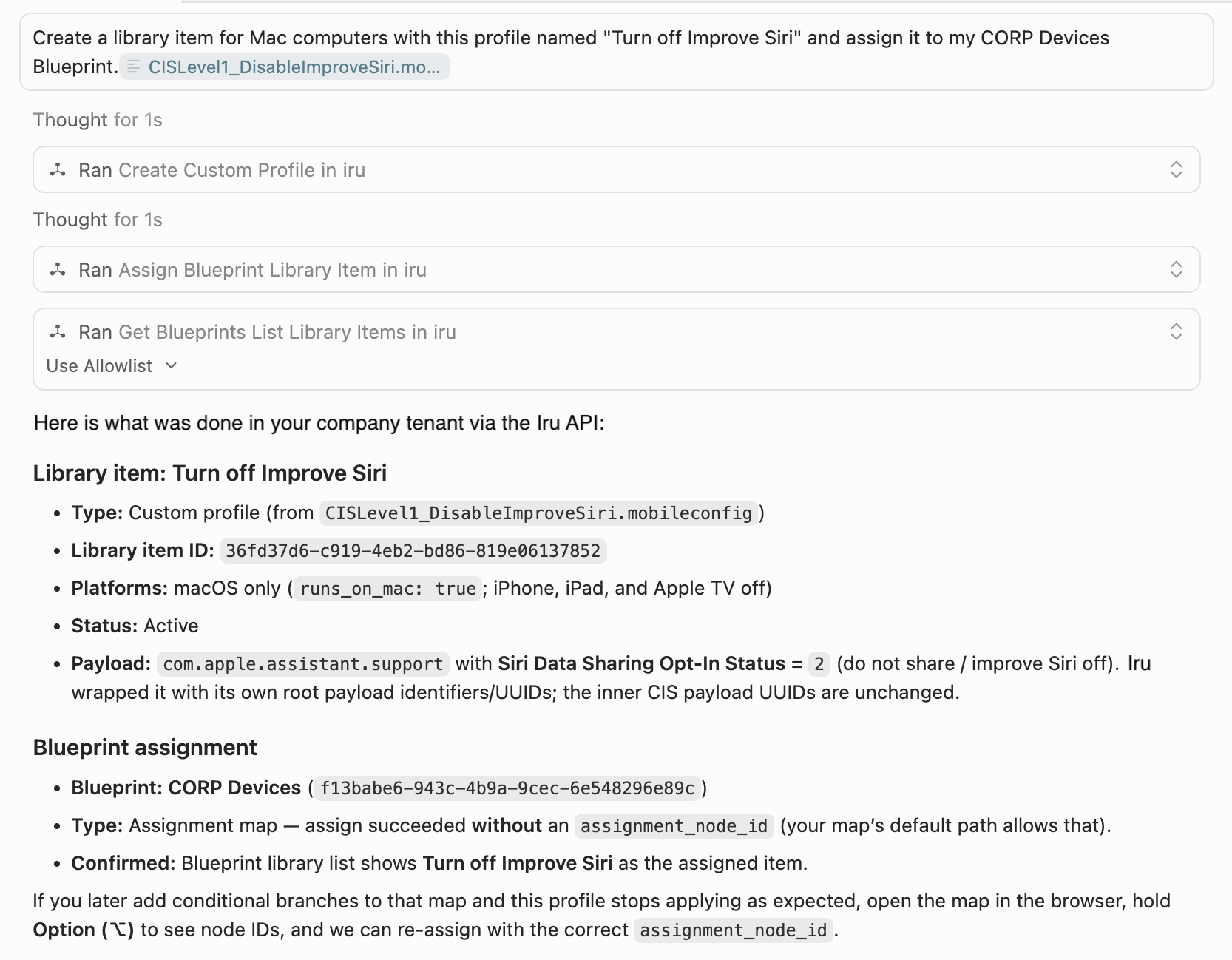
Requests in the AI-assistant call tools via the MCP server against the same Iru Endpoint Management API surface the tenant already supports, including reporting, posture checks, and actions available through the API. Tools can be combined with other MCP servers in one conversation for multi-step workflows.